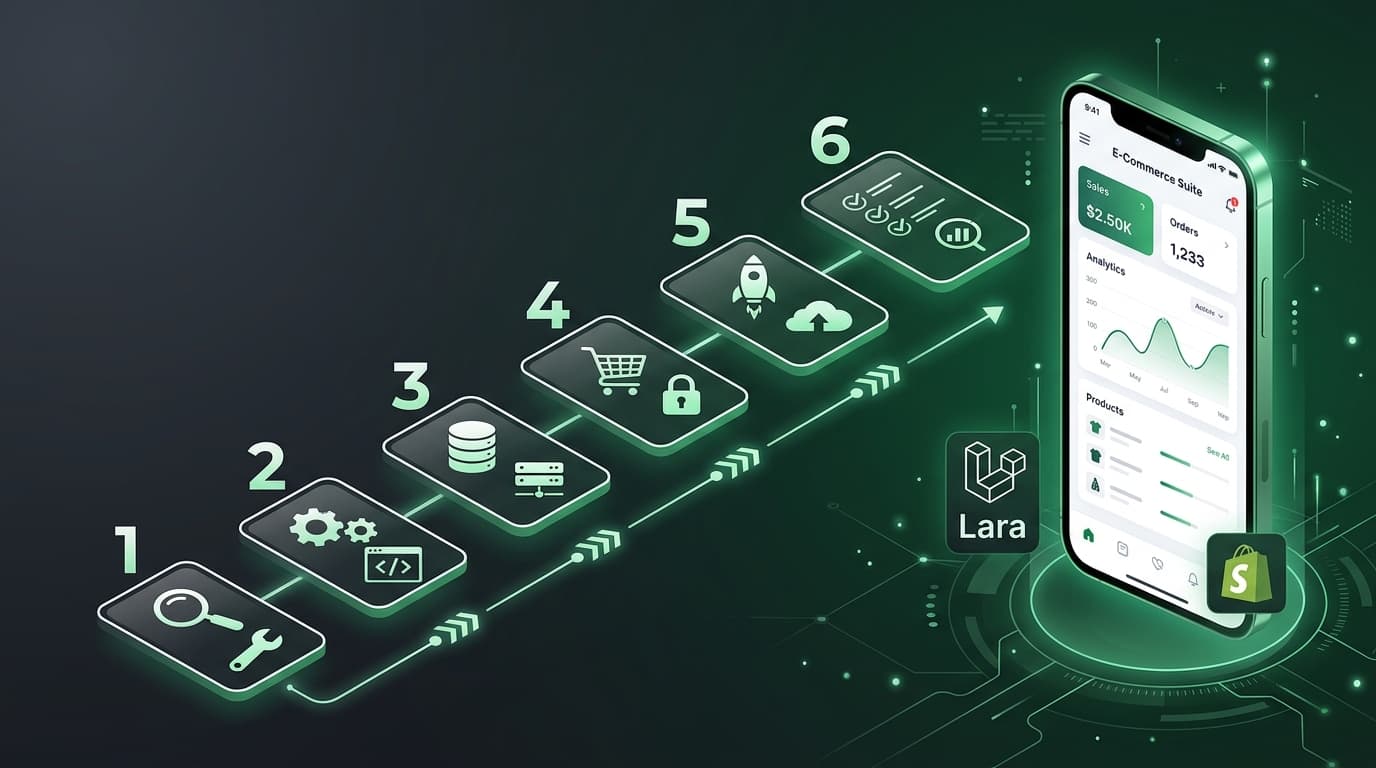
Building a Shopify App Backend with Laravel: OAuth, Webhooks, and Multi-Tenancy

Building a Shopify App Backend with Laravel: OAuth, Webhooks, and Multi-Tenancy
TL;DR: This guide walks through building a production-ready Shopify app backend with Laravel — covering OAuth via App Bridge, webhook handling with queues, multi-tenant data isolation, and deployment tips. If you're a Laravel developer building your first Shopify app, this is the architecture guide I wish I had.
Why Laravel for Shopify Apps?
Laravel and Shopify are a surprisingly good pairing. Shopify's REST/GraphQL APIs play well with Laravel's HTTP client, the queue system handles webhooks beautifully, and Eloquent makes multi-tenant data isolation straightforward. Plus, if you're already a Laravel developer, you get to ship faster than learning a new framework.
Let's break this down into the four pillars you need to nail.
1. OAuth Flow with Shopify App Bridge
Shopify apps use OAuth 2.0 for installation. When a merchant clicks "Add app" from the Shopify App Store, Shopify redirects them to your app with a code parameter. Your job is to exchange that code for a permanent access token.
The Installation Flow
Here's what happens step by step:
- Merchant installs your app from Shopify
- Shopify redirects to your app with
shop,hmac,code, andtimestamp - You verify the HMAC, exchange the
codefor an access token - Store the token and shop domain — you'll need both forever
Setting Up the OAuth Controller
// routes/web.php
Route::get('/auth', [ShopifyAuthController::class, 'install']);
Route::get('/auth/callback', [ShopifyAuthController::class, 'callback']);
// app/Http/Controllers/ShopifyAuthController.php
namespace App\Http\Controllers;

use Illuminate\Http\Request;
use Illuminate\Support\Facades\Http;
use App\Models\Shop;

class ShopifyAuthController extends Controller
{
    public function install(Request $request)
    {
        $shop = $request->query('shop');
        $scopes = 'read_products,write_products,read_orders';
        $redirectUri = config('app.url') . '/auth/callback';
        $nonce = bin2hex(random_bytes(16));

        session(['oauth_nonce' => $nonce]);

        $installUrl = "https://{$shop}/admin/oauth/authorize?" . http_build_query([
            'client_id' => config('services.shopify.api_key'),
            'scope' => $scopes,
            'redirect_uri' => $redirectUri,
            'state' => $nonce,
        ]);

        return redirect($installUrl);
    }

    public function callback(Request $request)
    {
        // Verify HMAC first — never skip this
        $hmac = $request->query('hmac');
        $params = $request->except('hmac');
        ksort($params);

        $computedHmac = hash_hmac(
            'sha256',
            http_build_query($params),
            config('services.shopify.api_secret')
        );

        if (!hash_equals($hmac, $computedHmac)) {
            abort(403, 'Invalid HMAC');
        }

        // Exchange code for access token
        $response = Http::post("https://{$request->shop}/admin/oauth/access_token", [
            'client_id' => config('services.shopify.api_key'),
            'client_secret' => config('services.shopify.api_secret'),
            'code' => $request->code,
        ]);

        $accessToken = $response->json('access_token');

        Shop::updateOrCreate(
            ['domain' => $request->shop],
            ['access_token' => $accessToken, 'installed_at' => now()]
        );

        return redirect("https://{$request->shop}/admin/apps/" . config('services.shopify.api_key'));
    }
}
App Bridge Integration
For embedded apps, Shopify uses App Bridge to render your app inside the Shopify admin. On the frontend, you'll need:
// resources/js/app.js
import { createApp } from '@shopify/app-bridge';
import { Redirect } from '@shopify/app-bridge/actions';

const app = createApp({
    apiKey: process.env.SHOPIFY_API_KEY,
    shopOrigin: new URL(window.location).searchParams.get('shop'),
    host: new URL(window.location).searchParams.get('host'),
});
The key insight: always verify HMAC server-side. Never trust client-side data.
2. Webhooks with Laravel Queues and Retries
Shopify sends webhooks for events like order creation, product updates, and app uninstallation. You need to handle these reliably — missing an order webhook means unhappy merchants.
Registering Webhooks
// After OAuth, register your webhooks
Http::withHeaders(['X-Shopify-Access-Token' => $shop->access_token])
    ->post("https://{$shop->domain}/admin/api/2024-01/webhooks.json", [
        'webhook' => [
            'topic' => 'orders/create',
            'address' => config('app.url') . '/api/webhooks/orders',
            'format' => 'json',
        ],
    ]);
The Webhook Controller
// app/Http/Controllers/WebhookController.php
namespace App\Http\Controllers;

use Illuminate\Http\Request;
use App\Jobs\ProcessShopifyOrder;
use App\Jobs\HandleAppUninstall;

class WebhookController extends Controller
{
    public function handleOrders(Request $request)
    {
        $this->verifyWebhook($request);

        $shop = Shop::where('domain', $request->header('x-shopify-shop-domain'))
            ->firstOrFail();

        ProcessShopifyOrder::dispatch($shop, $request->all());

        return response()->json(['status' => 'queued'], 200);
    }

    public function handleUninstall(Request $request)
    {
        $this->verifyWebhook($request);

        $shop = Shop::where('domain', $request->header('x-shopify-shop-domain'))
            ->firstOrFail();

        HandleAppUninstall::dispatch($shop);

        return response()->json(['status' => 'ok'], 200);
    }

    private function verifyWebhook(Request $request): void
    {
        $hmac = $request->header('x-shopify-hmac-sha256');
        $computed = base64_encode(
            hash_hmac('sha256', $request->getContent(), config('services.shopify.api_secret'), true)
        );

        if (!hash_equals($hmac, $computed)) {
            abort(401, 'Webhook verification failed');
        }
    }
}
The Queue Job with Retries
// app/Jobs/ProcessShopifyOrder.php
namespace App\Jobs;

use Illuminate\Bus\Queueable;
use Illuminate\Contracts\Queue\ShouldQueue;
use Illuminate\Queue\InteractsWithQueue;
use Illuminate\Queue\SerializesModels;
use Throwable;

class ProcessShopifyOrder implements ShouldQueue
{
    use InteractsWithQueue, Queueable, SerializesModels;

    public int $tries = 5;
    public int $backoff = 60; // seconds between retries
    public bool $failOnTimeout = true;

    public function __construct(
        public Shop $shop,
        public array $orderData
    ) {}

    public function handle(): void
    {
        // Your order processing logic here
        // Sync to your database, trigger emails, update inventory, etc.
    }

    public function failed(Throwable $exception): void
    {
        logger()->error('Order webhook failed after 5 retries', [
            'shop' => $this->shop->domain,
            'order_id' => $this->orderData['id'] ?? null,
            'error' => $exception->getMessage(),
        ]);
    }
}
Pro tip: Always return a 200 response immediately and let queues handle the work. Shopify retries webhooks if it doesn't get a 200 within 5 seconds.
3. Multi-Tenant Data Isolation
Every Shopify merchant is a separate tenant. You need to ensure Merchant A never sees Merchant B's data. There are two main approaches:
Approach A: Global Scope (Recommended for Most Apps)
// app/Models/Traits/BelongsToShop.php
namespace App\Models\Traits;

use Illuminate\Database\Eloquent\Builder;

trait BelongsToShop
{
    protected static function bootBelongsToShop(): void
    {
        static::addGlobalScope('shop', function (Builder $builder) {
            if ($shopId = request()->attributes->get('shop_id')) {
                $builder->where('shop_id', $shopId);
            }
        });

        static::creating(function ($model) {
            if ($shopId = request()->attributes->get('shop_id')) {
                $model->shop_id = $shopId;
            }
        });
    }
}
// Middleware that resolves the shop from session/token
namespace App\Http\Middleware;

use Closure;
use App\Models\Shop;

class ResolveShop
{
    public function handle($request, Closure $next)
    {
        $shopDomain = $request->header('x-shopify-shop-domain')
            ?? session('shop_domain');

        $shop = Shop::where('domain', $shopDomain)->firstOrFail();
        $request->attributes->set('shop_id', $shop->id);
        $request->attributes->set('shop', $shop);

        return $next($request);
    }
}
Apply the trait to any model that belongs to a shop:
// app/Models/Product.php
class Product extends Model
{
    use BelongsToShop;
}
Approach B: Separate Databases (For Enterprise Scale)
If you're dealing with heavy per-shop data isolation requirements, use separate databases:
// config/database.php
'shop_connection' => [
    'driver' => 'mysql',
    'database' => env('SHOP_DB_PREFIX', 'shop_') . $shopId,
    // ...
],
This adds complexity (migrations across N databases) but gives you true isolation. For 95% of Shopify apps, the global scope approach is sufficient.
4. Deployment Tips
Environment Essentials
SHOPIFY_API_KEY=your_key
SHOPIFY_API_SECRET=your_secret
SHOPIFY_SCOPES=read_products,write_products,read_orders
QUEUE_CONNECTION=redis
SESSION_DRIVER=redis
Queue Workers
Run queue workers with Supervisor:
# /etc/supervisor/conf.d/shopify-worker.conf
[program:shopify-worker]
process_name=%(program_name)s_%(process_num)02d
command=php /path/to/artisan queue:work redis --sleep=3 --tries=5 --max-time=3600
autostart=true
autorestart=true
stopasgroup=true
killasgroup=true
numprocs=3
redirect_stderr=true
stdout_logfile=/var/log/shopify-worker.log
Shopify-Specific Deployment Notes
- HTTPS is mandatory. Shopify won't send webhooks to HTTP endpoints.
- Set your app URL in Shopify Partners dashboard to match your production URL exactly.
- Use Laravel Horizon if you want a dashboard for monitoring webhook processing.
- Rate limits matter. Shopify's REST API allows 2 requests per second per shop. Use Laravel's
RateLimiteror throttle your API calls. - Always handle the
app/uninstalledwebhook to revoke tokens and clean up data.
Wrapping Up
Building a Shopify app with Laravel comes down to four things:
- OAuth — verify HMAC, exchange codes, store tokens
- Webhooks — verify, queue, retry, log failures
- Multi-tenancy — global scopes or separate databases
- Reliability — queues, supervisors, monitoring
The architecture is straightforward. The details are where the pain lives — HMAC verification edge cases, webhook retry storms, and Shopify API rate limits. Handle those well and you'll have an app that merchants can trust.
If you're building your first Shopify app, start with the OAuth flow. Get that working, and everything else builds on top of it.