Adding AI-Powered Product Descriptions to Your Shopify App

Adding AI-Powered Product Descriptions to Your Shopify App
TL;DR: Learn how to integrate OpenAI into your Shopify Laravel app to auto-generate product descriptions, build a Polaris-based admin UI, handle bulk generation with queues, and implement usage-based billing. Everything you need to ship an AI-powered Shopify app feature.
The Opportunity
Writing product descriptions is tedious. Merchants with hundreds of SKUs often have terrible descriptions — or none at all. An AI-powered description generator is one of the highest-value features you can add to a Shopify app, and merchants are willing to pay for it.
Here's how to build it end to end.
1. OpenAI Integration in Laravel
Start by installing the OpenAI PHP client:
composer require openai-php/laravel
Publish the config and add your API key:
OPENAI_API_KEY=sk-...
OPENAI_MODEL=gpt-4o-mini
The Description Generator Service
Create a clean service class that handles prompt engineering and API calls:
// app/Services/DescriptionGenerator.php
namespace App\Services;

use OpenAI\Laravel\Facades\OpenAI;
use App\Models\Shop;

class DescriptionGenerator
{
    public function generate(Shop $shop, array $product, string $tone = 'professional'): string
    {
        $prompt = $this->buildPrompt($product, $tone);

        $response = OpenAI::chat()->create([
            'model' => config('openai.model', 'gpt-4o-mini'),
            'messages' => [
                ['role' => 'system', 'content' => $this->systemPrompt()],
                ['role' => 'user', 'content' => $prompt],
            ],
            'max_tokens' => 500,
            'temperature' => 0.7,
        ]);

        return $response->choices[0]->message->content;
    }

    private function systemPrompt(): string
    {
        return "You are an expert e-commerce copywriter. Write compelling, SEO-friendly "
             . "product descriptions. Use appropriate HTML formatting (h3, p, ul, li). "
             . "Never mention you are an AI. Focus on benefits, not just features.";
    }

    private function buildPrompt(array $product, string $tone): string
    {
        return "Generate a product description for:\n\n"
             . "Title: {$product['title']}\n"
             . "Price: {$product['price']}\n"
             . "Category: " . ($product['product_type'] ?? 'General') . "\n"
             . "Tags: " . implode(', ', $product['tags'] ?? []) . "\n"
             . "Current description: " . ($product['body_html'] ?? 'None') . "\n\n"
             . "Tone: {$tone}\n"
             . "Length: 2-3 paragraphs with bullet points for key features.";
    }
}
Handling Token Limits and Errors
// app/Services/DescriptionGenerator.php (extended)
public function generateWithRetry(Shop $shop, array $product, string $tone = 'professional', int $maxRetries = 2): ?string
{
    for ($attempt = 0; $attempt <= $maxRetries; $attempt++) {
        try {
            $description = $this->generate($shop, $product, $tone);

            // Track usage for billing
            $shop->increment('ai_tokens_used', strlen($description));

            return $description;
        } catch (\OpenAI\Exceptions\ErrorException $e) {
            if (str_contains($e->getMessage(), 'rate_limit') && $attempt < $maxRetries) {
                sleep(pow(2, $attempt)); // Exponential backoff
                continue;
            }
            logger()->error('OpenAI generation failed', [
                'shop' => $shop->domain,
                'product' => $product['id'] ?? null,
                'error' => $e->getMessage(),
            ]);
            return null;
        }
    }
    return null;
}
2. React Embed in Shopify Admin with Polaris
Your app lives inside Shopify's admin as an embedded app. You need a React frontend using Shopify's Polaris component library.
Setting Up the Frontend
npm create vite@latest frontend -- --template react
cd frontend
npm install @shopify/polaris @shopify/app-bridge-react
The Description Generator UI
// frontend/src/components/DescriptionGenerator.jsx
import { useState } from 'react';
import {
    Card,
    TextField,
    Select,
    Button,
    TextContainer,
    SkeletonBodyText,
    Banner,
    Stack,
    Layout,
} from '@shopify/polaris';

export function DescriptionGenerator() {
    const [product, setProduct] = useState(null);
    const [tone, setTone] = useState('professional');
    const [generated, setGenerated] = useState('');
    const [loading, setLoading] = useState(false);

    const tones = [
        { label: 'Professional', value: 'professional' },
        { label: 'Casual', value: 'casual' },
        { label: 'Luxury', value: 'luxury' },
        { label: 'Technical', value: 'technical' },
        { label: 'Playful', value: 'playful' },
    ];

    const handleGenerate = async () => {
        setLoading(true);
        try {
            const response = await fetch('/api/generate-description', {
                method: 'POST',
                headers: {
                    'Content-Type': 'application/json',
                    'X-CSRF-TOKEN': document.querySelector('meta[name="csrf-token"]')?.content,
                },
                body: JSON.stringify({ product_id: product, tone }),
            });
            const data = await response.json();
            setGenerated(data.description);
        } catch (err) {
            console.error('Generation failed:', err);
        } finally {
            setLoading(false);
        }
    };

    return (
        <Layout>
            <Layout.Section>
                <Card sectioned>
                    <TextContainer>
                        <TextField
                            label="Product ID or Title"
                            value={product}
                            onChange={setProduct}
                        />
                        <Select
                            label="Tone"
                            options={tones}
                            value={tone}
                            onChange={setTone}
                        />
                        <Button primary onClick={handleGenerate} loading={loading}>
                            Generate Description
                        </Button>
                    </TextContainer>
                </Card>
            </Layout.Section>
            <Layout.Section>
                {loading ? (
                    <Card sectioned>
                        <SkeletonBodyText lines={6} />
                    </Card>
                ) : generated ? (
                    <Card sectioned title="Generated Description">
                        <div dangerouslySetInnerHTML={{ __html: generated }} />
                        <Stack distribution="trailing">
                            <Button onClick={() => navigator.clipboard.writeText(generated)}>
                                Copy
                            </Button>
                            <Button primary onClick={handleApply}>
                                Apply to Product
                            </Button>
                        </Stack>
                    </Card>
                ) : null}
            </Layout.Section>
        </Layout>
    );
}
Laravel API Endpoint
// app/Http/Controllers/Api/DescriptionController.php
namespace App\Http\Controllers\Api;

use App\Http\Controllers\Controller;
use App\Services\DescriptionGenerator;
use App\Models\Product;

class DescriptionController extends Controller
{
    public function __construct(
        private DescriptionGenerator $generator
    ) {}

    public function generate(Request $request)
    {
        $request->validate([
            'product_id' => 'required|string',
            'tone' => 'sometimes|in:professional,casual,luxury,technical,playful',
        ]);

        $shop = $request->attributes->get('shop');
        $product = Product::where('shop_id', $shop->id)
            ->where('shopify_product_id', $request->product_id)
            ->firstOrFail();

        $description = $this->generator->generateWithRetry(
            $shop,
            $product->toShopifyArray(),
            $request->tone ?? 'professional'
        );

        if (!$description) {
            return response()->json(['error' => 'Generation failed'], 500);
        }

        return response()->json(['description' => $description]);
    }
}
3. Bulk Generation with Queues
Merchants with 500+ products won't generate descriptions one at a time. Bulk generation is essential.
The Bulk Job
// app/Jobs/BulkGenerateDescriptions.php
namespace App\Jobs;

use Illuminate\Bus\{Batchable, Queueable};
use Illuminate\Contracts\Queue\ShouldQueue;
use Illuminate\Queue\{InteractsWithQueue, SerializesModels};
use Illuminate\Support\Facades\Bus;
use App\Services\DescriptionGenerator;
use App\Models\Product;
use App\Models\BulkJob;

class GenerateSingleDescription implements ShouldQueue
{
    use Batchable, InteractsWithQueue, Queueable, SerializesModels;

    public int $tries = 2;
    public int $backoff = 10;

    public function __construct(
        public BulkJob $bulkJob,
        public int $productId
    ) {}

    public function handle(DescriptionGenerator $generator): void
    {
        if ($this->batch()?->cancelled()) {
            return;
        }

        $product = Product::find($this->productId);
        $description = $generator->generateWithRetry(
            $product->shop,
            $product->toShopifyArray(),
            $this->bulkJob->tone
        );

        if ($description) {
            $product->update(['generated_description' => $description]);
        }

        $this->bulkJob->increment('processed_count');
    }
}
Dispatching the Batch
// app/Http/Controllers/Api/BulkController.php
namespace App\Http\Controllers\Api;

use Illuminate\Support\Facades\Bus;
use App\Jobs\GenerateSingleDescription;
use App\Models\BulkJob;

class BulkController extends Controller
{
    public function start(Request $request)
    {
        $shop = $request->attributes->get('shop');

        $products = $shop->products()
            ->whereNull('generated_description')
            ->pluck('id');

        $bulkJob = BulkJob::create([
            'shop_id' => $shop->id,
            'total_count' => $products->count(),
            'processed_count' => 0,
            'tone' => $request->tone ?? 'professional',
            'status' => 'processing',
        ]);

        $jobs = $products->map(
            fn($id) => new GenerateSingleDescription($bulkJob, $id)
        );

        $batch = Bus::batch($jobs)
            ->name("bulk-descriptions-{$shop->id}")
            ->allowFailures()
            ->finally(function () use ($bulkJob) {
                $bulkJob->update(['status' => 'completed']);
            })
            ->dispatch();

        $bulkJob->update(['batch_id' => $batch->id]);

        return response()->json([
            'bulk_job_id' => $bulkJob->id,
            'total' => $products->count(),
        ]);
    }
}
This uses Laravel's job batching — you get progress tracking, cancellation support, and failure handling out of the box.
4. Usage-Based Billing
Shopify supports usage-based billing through the Billing API. You charge merchants based on how many descriptions they generate.
Setting Up a Usage Charge
// app/Services/ShopifyBilling.php
namespace App\Services;

use Illuminate\Support\Facades\Http;
use App\Models\Shop;

class ShopifyBilling
{
    public function createUsageRecord(Shop $shop, int $units, float $pricePerUnit = 0.05): void
    {
        $mutation = <<<'GraphQL'
        mutation appUsageRecordCreate($id: ID!, $description: String!, $price: Decimal!, $url: URL) {
            appUsageRecordCreate(input: {
                appSubscriptionLineItemId: $id
                description: $description
                price: { amount: $price, currencyCode: USD }
            }) {
                userErrors { field message }
                appUsageRecord { id }
            }
        }
        GraphQL;

        Http::withHeaders(['X-Shopify-Access-Token' => $shop->access_token])
            ->post("https://{$shop->domain}/admin/api/2024-01/graphql.json", [
                'query' => $mutation,
                'variables' => [
                    'id' => $shop->subscription_line_item_id,
                    'description' => "AI Description Generation ({$units} descriptions)",
                    'price' => $units * $pricePerUnit,
                ],
            ]);
    }
}
Tracking Usage Locally
Keep a local counter so you can bill at intervals:
// In your GenerateSingleDescription job, after successful generation:
$shop->increment('descriptions_generated');
$shop->increment('ai_credits_used');

// Check if we should bill
if ($shop->ai_credits_used >= $shop->billing_threshold) {
    app(ShopifyBilling::class)->createUsageRecord(
        $shop,
        $shop->ai_credits_used
    );
    $shop->update(['ai_credits_used' => 0]);
}
Pricing Model Example
A simple model that works well:
- Free tier: 10 descriptions/month
- Pro: $9.99/month base + $0.05 per description over 100
- Enterprise: $49.99/month with 1,000 descriptions included
Putting It All Together
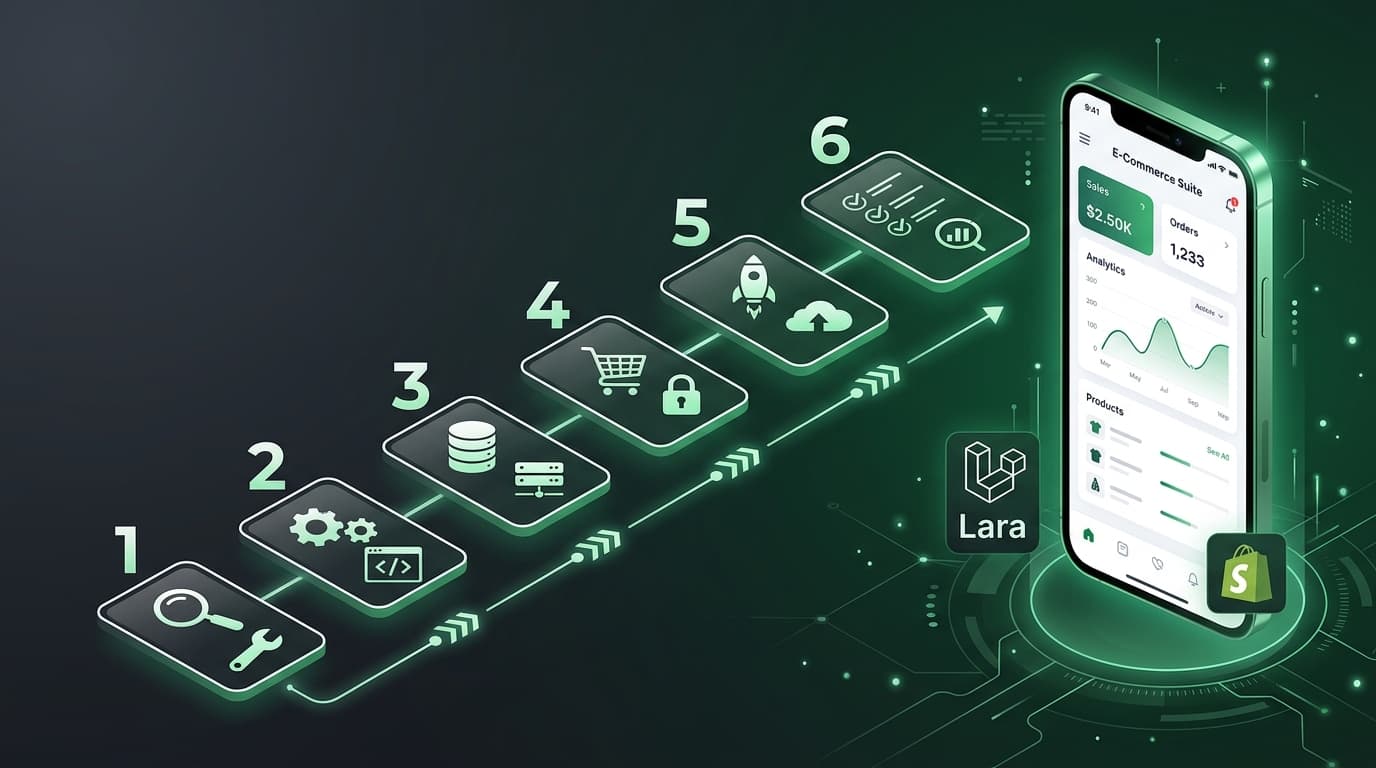
The flow looks like this:
- Merchant selects products in your Polaris UI
- Frontend calls your Laravel API
- API dispatches batch jobs to the queue
- Each job calls OpenAI, saves the description, and tracks usage
- Usage gets billed through Shopify's Billing API
- Merchant sees progress and reviews generated descriptions in the UI
The stack is: Laravel (backend) + React/Polaris (frontend) + Redis (queues) + OpenAI (AI) + Shopify Billing (payments).
One last piece of advice: always show the merchant a preview before applying AI-generated content to their live store. Give them a copy button and an "Apply" button. Trust builds retention.
Ship it, iterate on the prompts, and watch the usage metrics. The quality of your AI output is your product's moat — invest time in prompt engineering.